Quick Start
Get Codeg running in minutes and start your first AI coding session.
Installation
Install the desktop app, standalone server, or run via Docker.
Supported Agents
Learn how to configure and use each supported AI coding agent.
Chat Channels
Connect Telegram, Lark, or iLink to control agents from your chat app.
What you can do with Codeg
Conversations
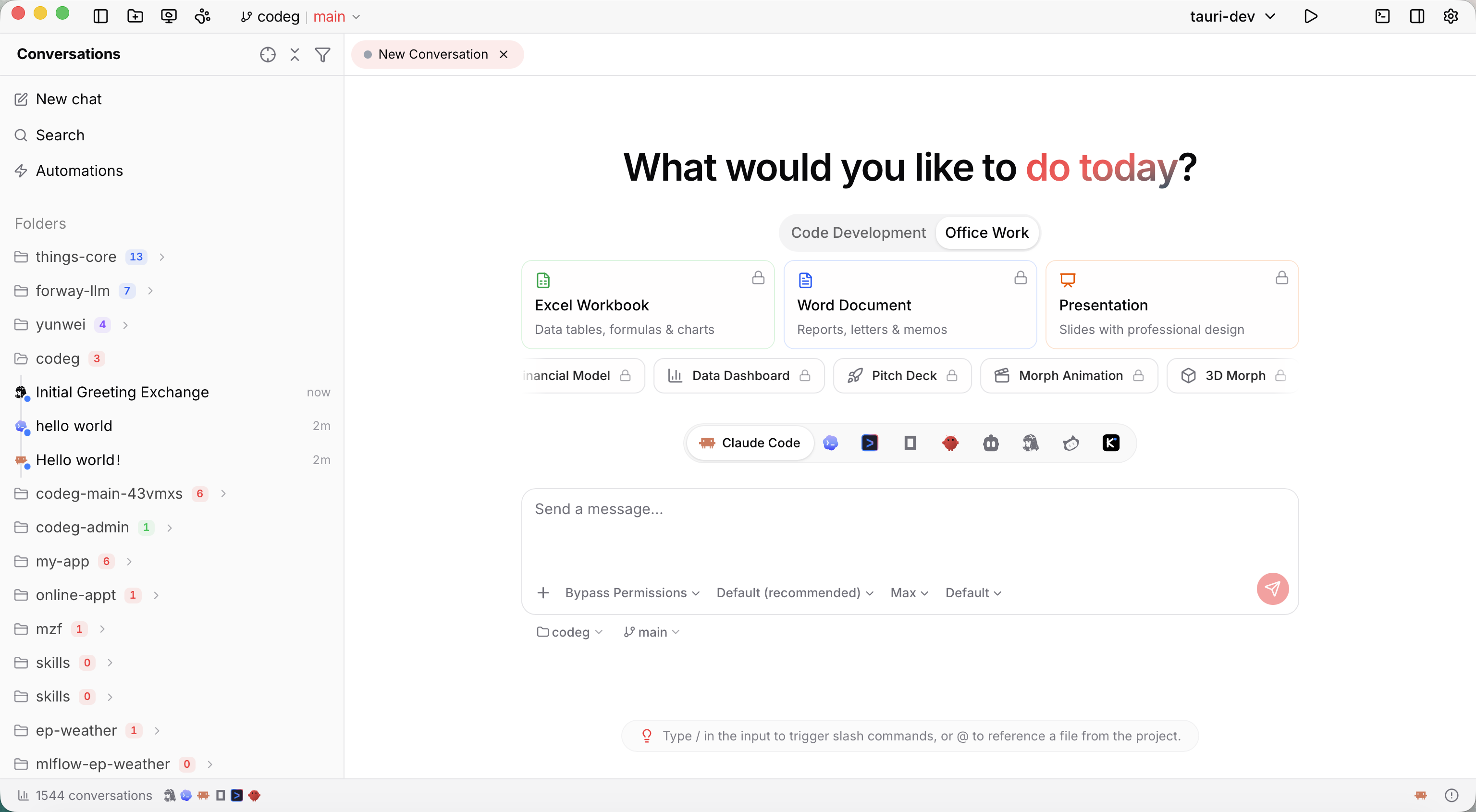
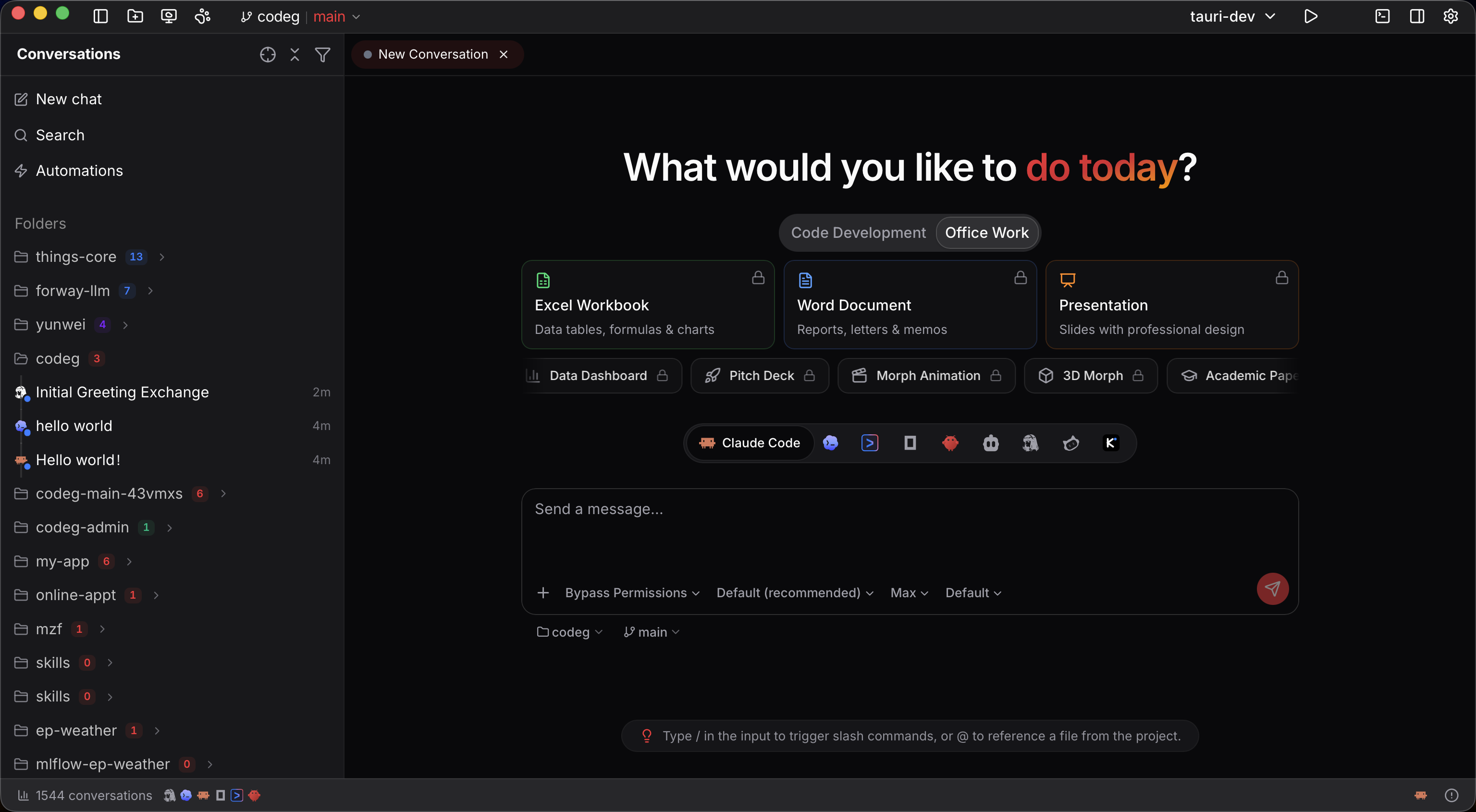
Browse and search all your local AI agent session history in one place.
Git Worktrees
Run multiple agents in parallel across isolated git worktrees.
Project Boot
Scaffold new projects visually with a live preview before creation.
MCP Management
Install and configure Model Context Protocol servers for your agents.
How it works
Install Codeg
Download the desktop app, install the standalone server binary, or spin up Docker — whichever fits your workflow.
Open a project folder
Point Codeg at any directory on your machine. It auto-detects your installed AI agents and their local conversation history.
Launch an agent session
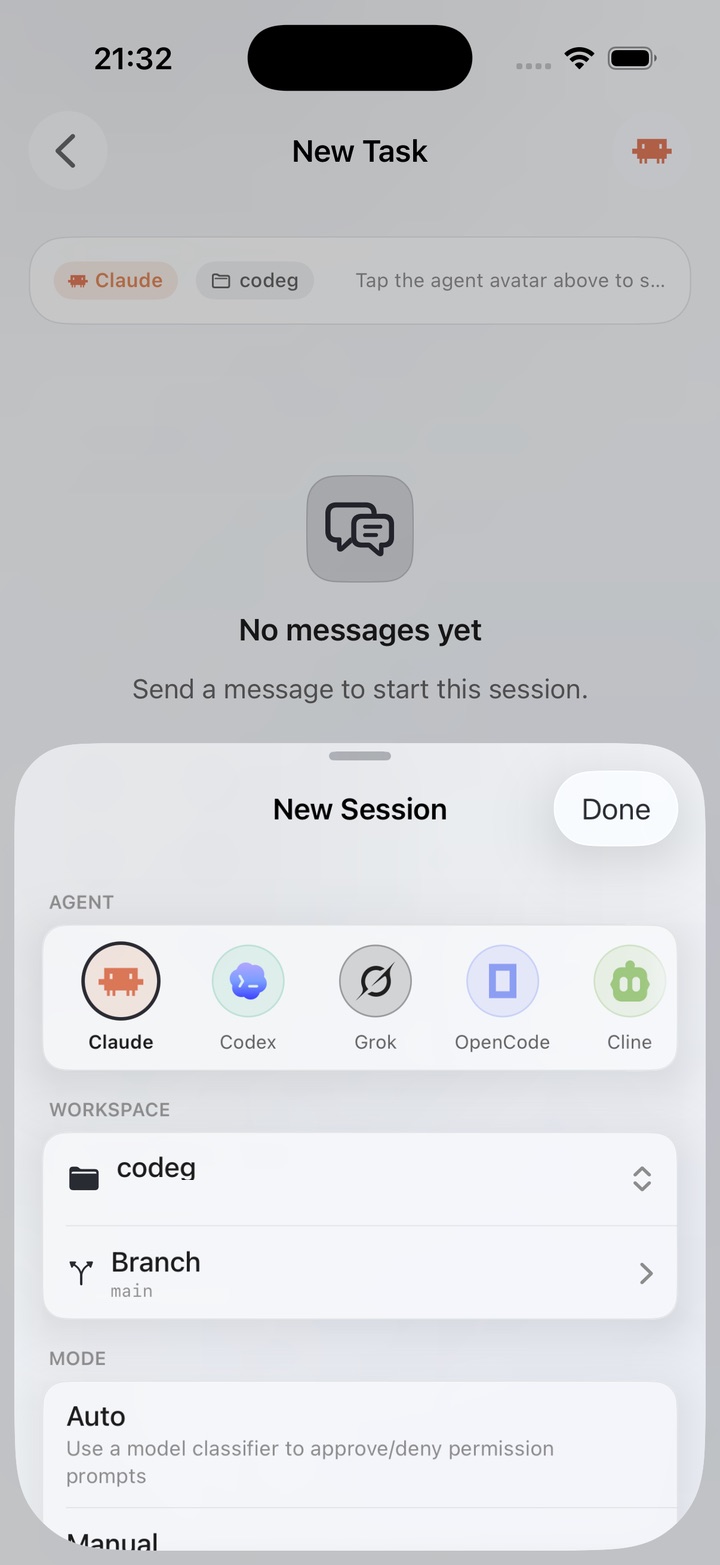
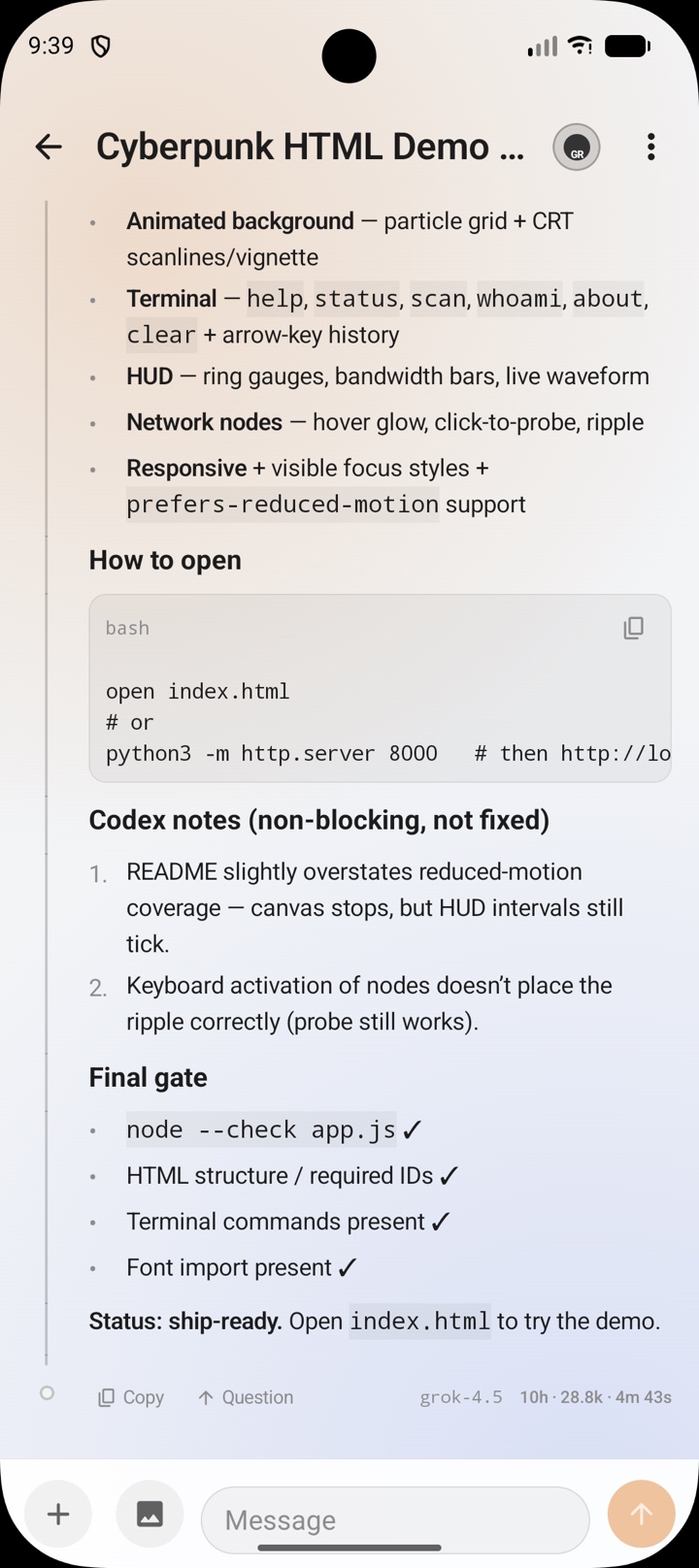
Connect to Claude Code, Codex, Gemini CLI, or any supported agent. Send prompts, respond to permission requests, and track progress in real time.
Codeg is local-first by default. Your conversation history, project files, and credentials stay on your machine. Network access only happens when you trigger remote operations like git push or chat channel connections.