Introduction
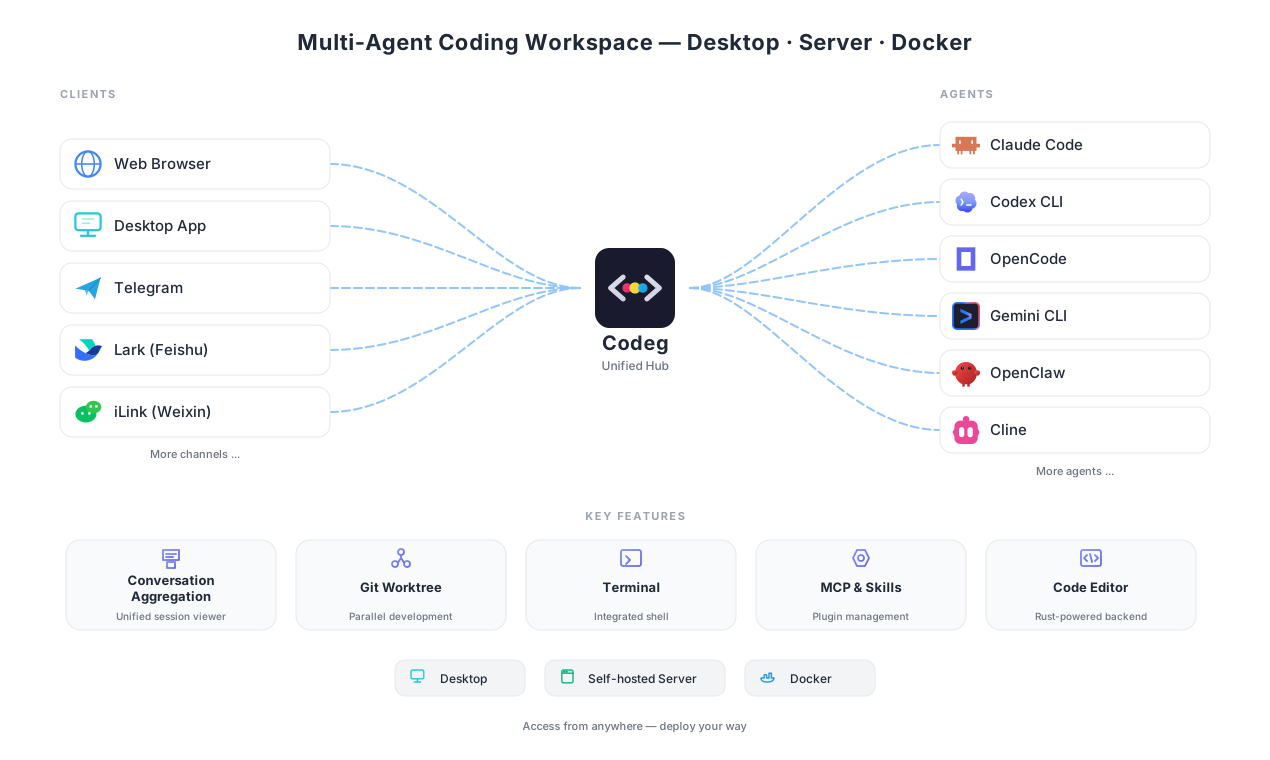
Codeg is a multi-agent coding workspace — one place to run, aggregate, and orchestrate the growing family of AI coding agents.
Rather than tying you to a single assistant, Codeg brings Claude Code, Codex CLI, Google Antigravity, OpenCode, Qoder, and more into a shared workspace — then lets them work together: a lead agent can hand subtasks to agents of other types, each running as its own session. You conduct; they collaborate.
Why Codeg exists
For most of software's history, the unit of work was the keystroke. Then came autocomplete, then chat, and now a generation of agentic tools that take a whole task — plan it, edit files, run commands, and iterate — largely on their own.
That shift has been remarkable, and messy. The strongest agents ship as separate command-line tools, each with its own models, strengths, session format, and home directory. In day-to-day use, working with them one at a time leaves real gaps — and closing those gaps is the whole point of Codeg:
Juggling agent CLIs on your own
- History scattered across
~/.claude,~/.codex,~/.gemini, and a dozen more silos - Each agent works alone — no way to let Claude Code lean on Codex for one tricky step
- Tethered to an interactive terminal on your laptop
With Codeg
- One searchable timeline across every agent you run
- A lead agent delegates sub-tasks to other agents, mid-session
- Desktop or server at the core, with native iOS and Android clients in your pocket
Codeg is a bet that the answer to a fragmenting agent landscape isn't to pick a winner — it's orchestration: an open, agent-agnostic workspace where you compose the best of each.
The unit of software work is moving from the keystroke to the task — and from a single assistant to a team of agents. Codeg is the workspace built for that shift.
What Codeg does
Three ideas define the workspace.
1. Aggregate — one home for every agent
Codeg reads the native session store of each supported agent and pulls them into a single, searchable workspace. Your Claude Code, Codex, Gemini, and OpenCode histories stop living in fifteen separate directories and become one timeline you can browse, resume, and search — no matter which tool produced them.
Fifteen agents plug in today, each with its own models, strengths, and session format:
2. Collaborate — agents that work as a team
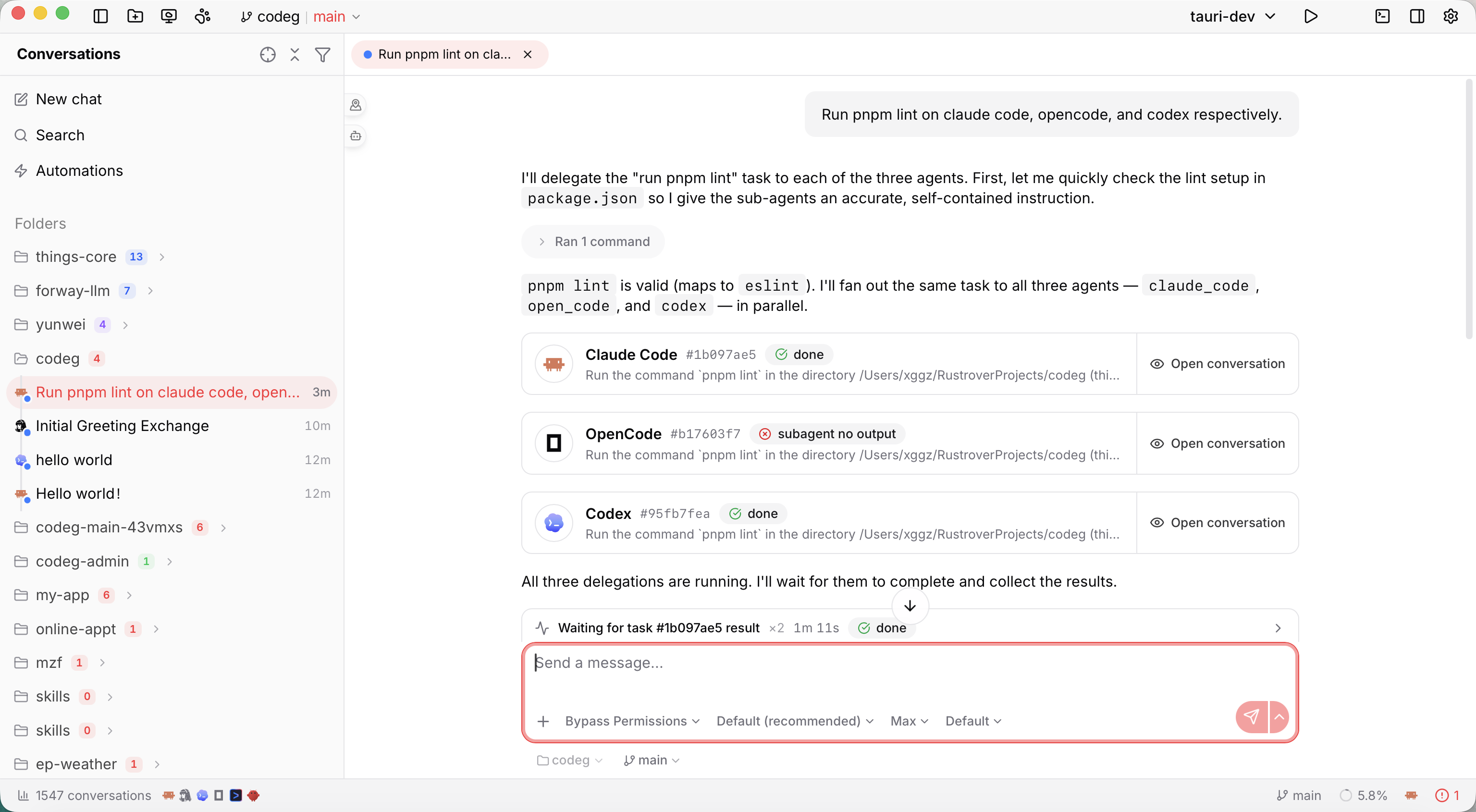
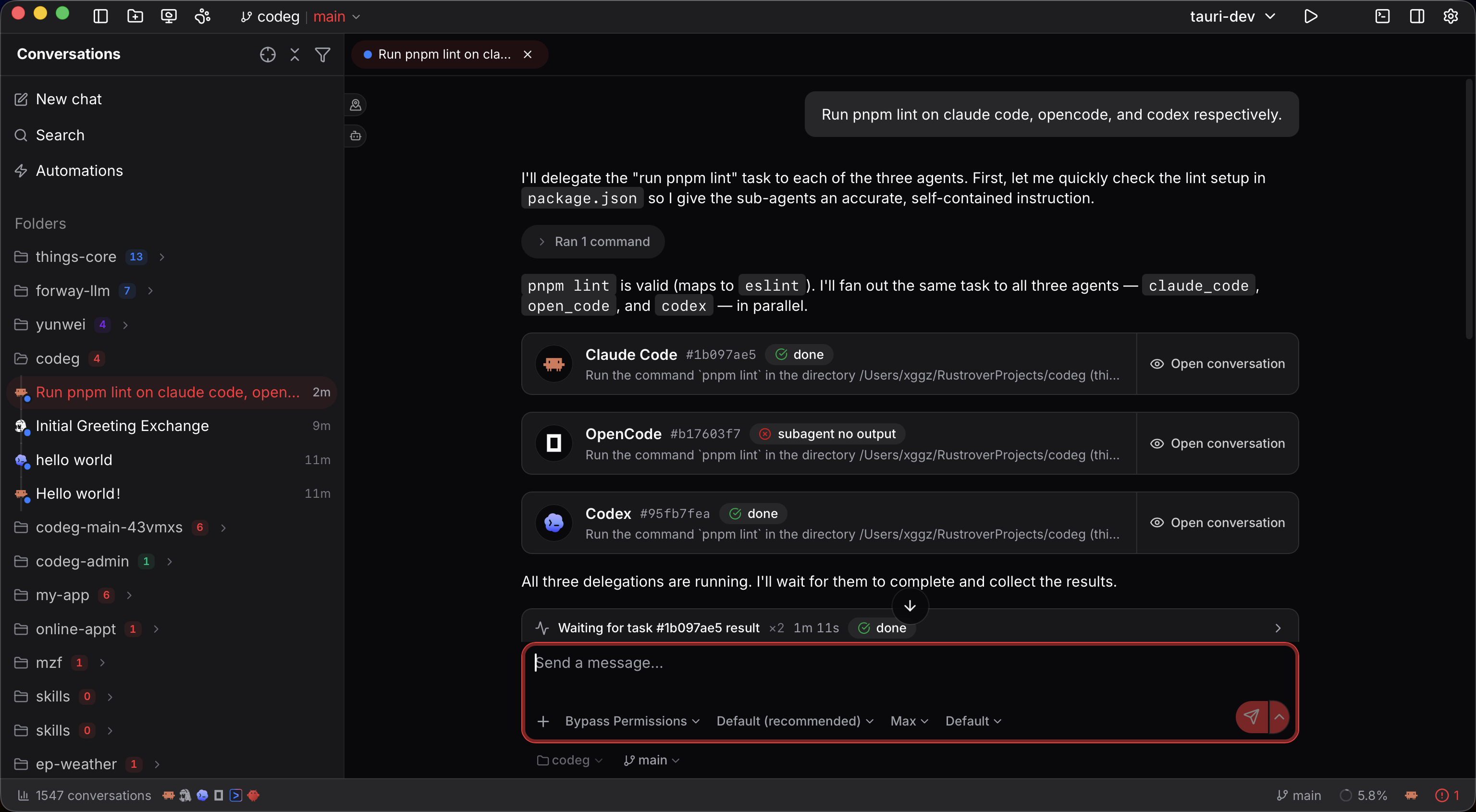
Within a single session, a main agent can delegate subtasks to sub-agents of different types — Claude Code reaching for Codex on one step, Gemini on another — with each delegated run becoming its own first-class session you can open and inspect. This is built on the open Agent Client Protocol (ACP) and a small codeg-mcp companion that surfaces a delegate_to_agent tool to the agents themselves.
3. Operate — agents as first-class infrastructure
Codeg treats agents as something you run, not just chat with:
- Automations — save a fully-configured setup and run it headlessly, on a cron schedule or on demand.
- To-dos — write down what needs doing and let agents work through the list, each in its own copy of the code, each waiting for your review before it merges.
- Repository panel — list a project's GitHub or GitLab issues and pull requests, hand one to an agent, and send the result back as a pull request.
- Computer Use (preview) — share a desktop window, a whole app or the screen with your agents, and let them see it and work in it, with one click to stop them.
- Chat Channels — drive sessions from Telegram, Lark (Feishu), or iLink (Weixin): create tasks, approve permissions, and get real-time replies without opening a browser.
- Anywhere you need it — run agents in the desktop app, on a standalone server, or in Docker, then stay connected through the native iOS and Android clients or any browser.
- Extensible — MCP servers and Skills add tools and expertise, while bundled Office and Scientific Research toolsets give agents real-world capabilities. New projects start from Project Boot.
Built to stay open
Codeg is deliberately un-opinionated about which agent you should use, and careful about your data:
- Agent-agnostic. New agents plug in through ACP rather than bespoke integrations, so the workspace grows as the ecosystem does.
- Local-first. Parsing, storage, and project operations happen on your machine by default; network calls occur only on actions you trigger. See Privacy & Security.
- One core, four binaries. A shared Rust core powers the desktop app, the standalone server, the MCP companion and the computer-use helper alike; native mobile clients connect to that core over its authenticated API. See the Architecture.
Codeg stands on the shoulders of open work — the Agent Client Protocol for agent connectivity, Superpowers for expert skills, OfficeCLI for documents, and scientific-agent-skills for research.
The road ahead
The agent ecosystem is still multiplying — new models, new CLIs, new specialties arriving every month. Codeg's direction follows that curve rather than fighting it: more supported agents, more channels (Discord, Slack, and DingTalk are on the way), richer collaboration patterns between them, and deeper headless autonomy. Project Boot's tab-based scaffolding is built to grow beyond its first template, too.
The goal stays constant: a workspace that keeps pace with the agents, so you can always reach for the best tool — or several at once — without leaving home.